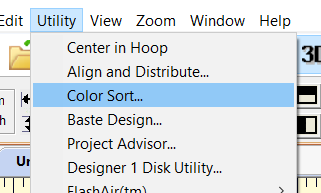
This function is located under the Utility menu. When you choose it, the software analyzes the design page and sees which colors it can combine WITHOUT compromising the layers. When colors don't overlap, it will collect all items of one color into a single color change.
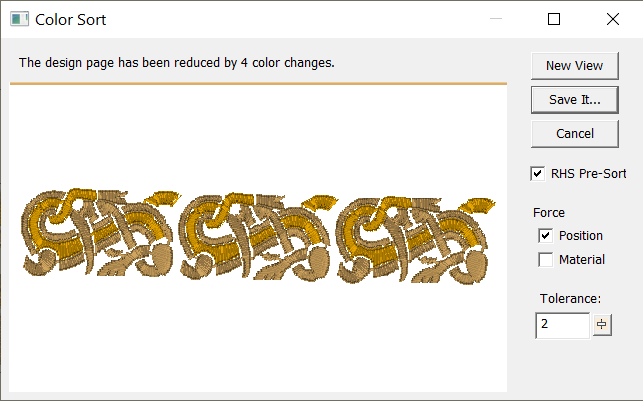
If you use the Color Sort function and don't get the result you thought you would - take a look at the design closely to see what is overlapping. You have to remember that the software is a tool, just like a hammer. It can be very powerful in your hands - it will do exactly what you tell it to. So if you only want 4 thread changes in your stitch file - move the items around so that they are not overlapping and the software will do exactly as you command!